ทำฟอร์มอัปโหลดไฟล์/รูปภาพเข้า Google Drive ด้วย Google Apps Script
อัปเดต 5 ตุลาคม 2026
Google Forms ให้อัปโหลดไฟล์ได้เฉพาะคนที่ล็อกอิน Google ถ้าอยากให้ ใครก็อัปโหลดได้ เช่น ฟอร์มรับสมัครงาน ส่งสลิป ส่งเอกสาร ต้องทำเว็บฟอร์มด้วย Apps Script เอง ซึ่งทำได้ไม่ยาก
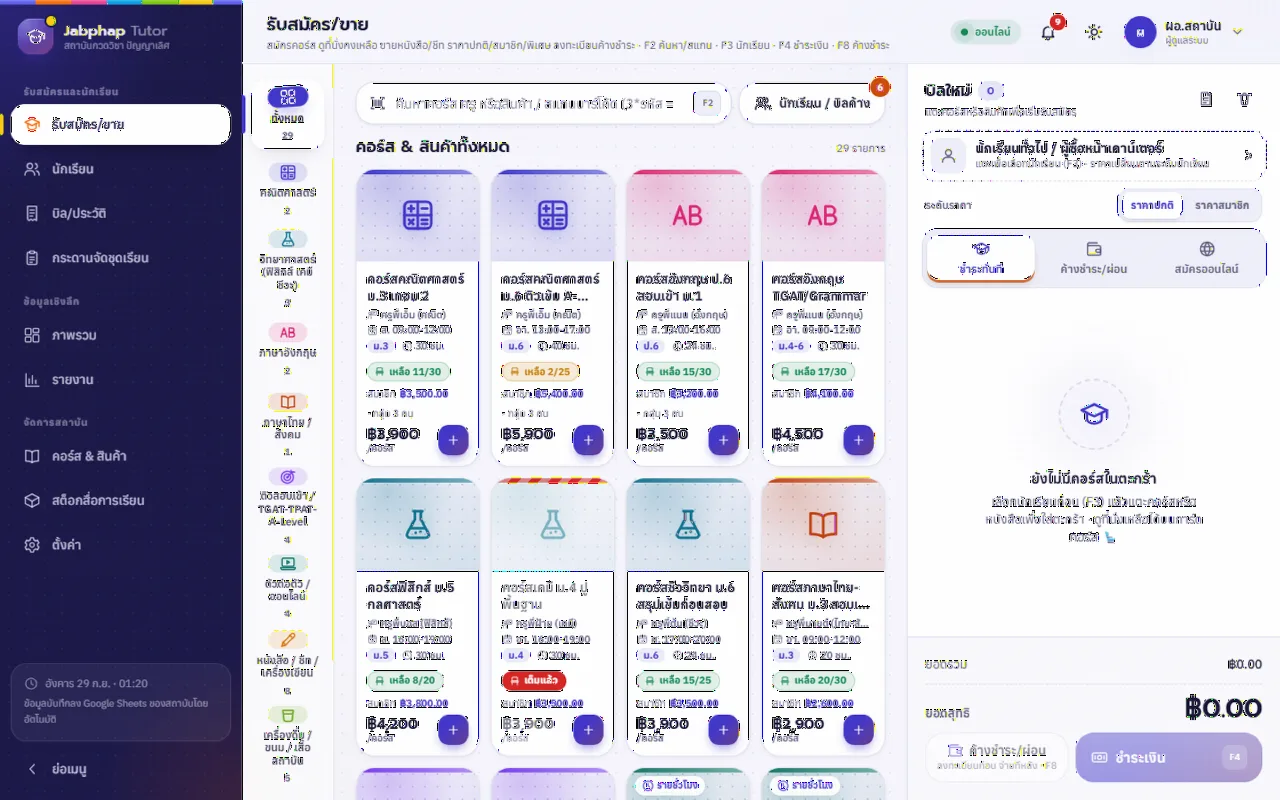
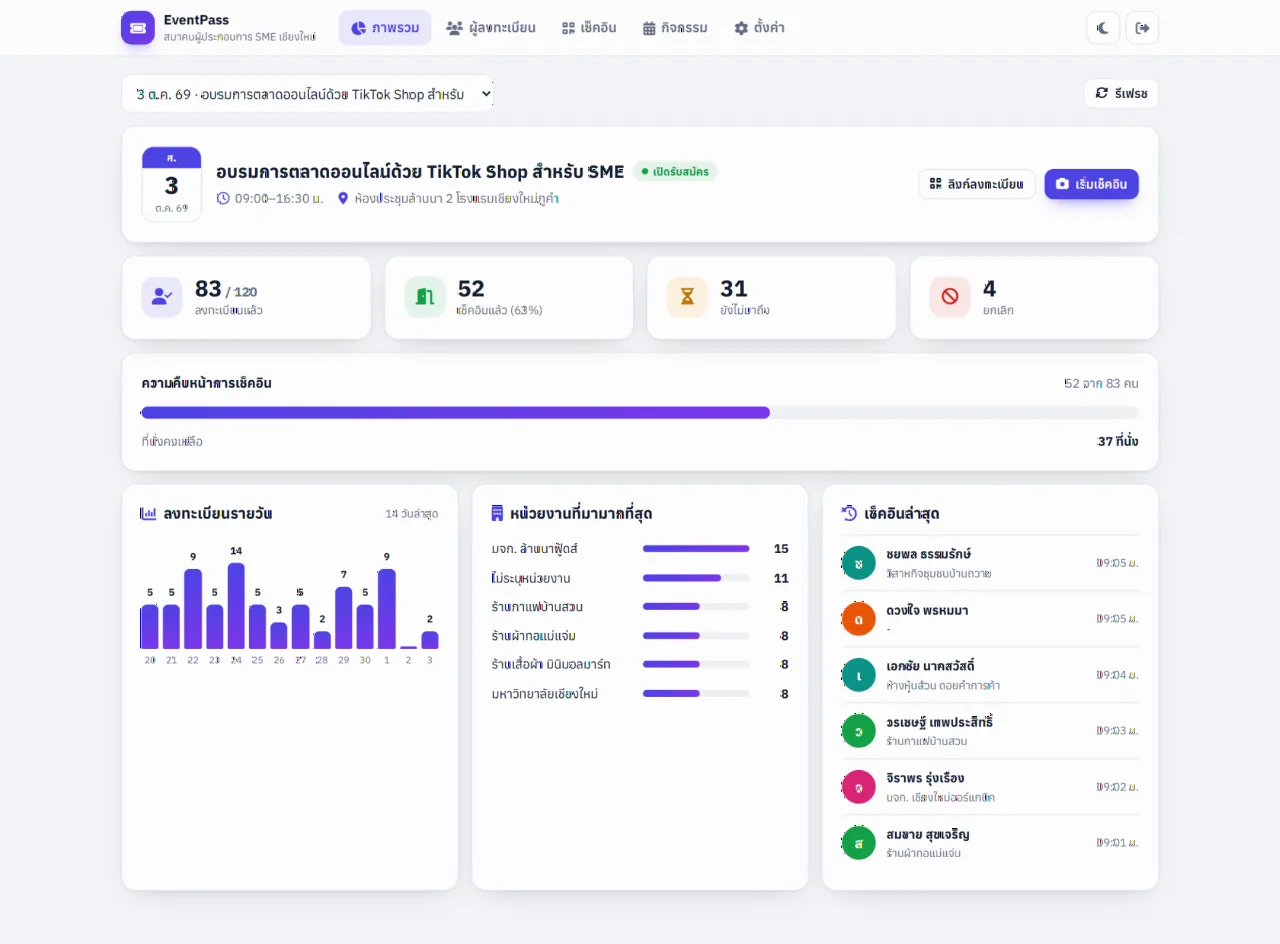
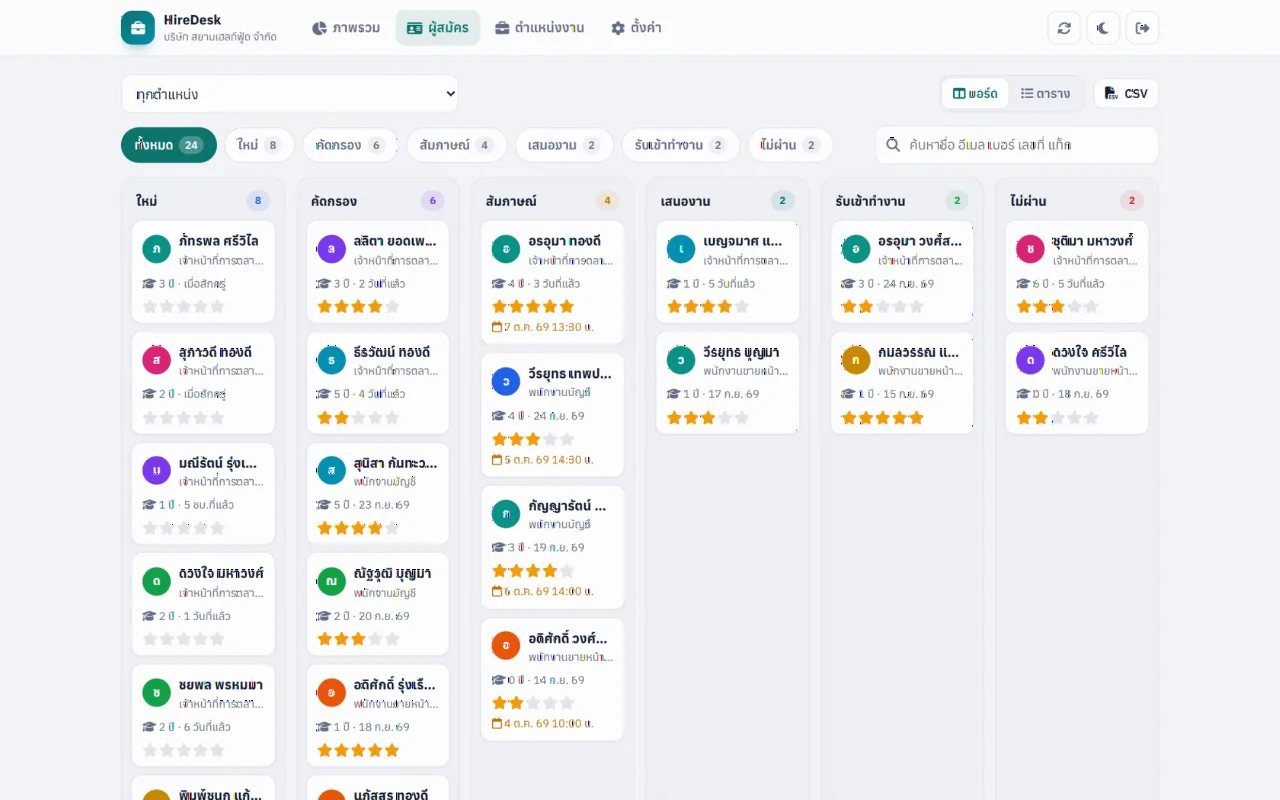
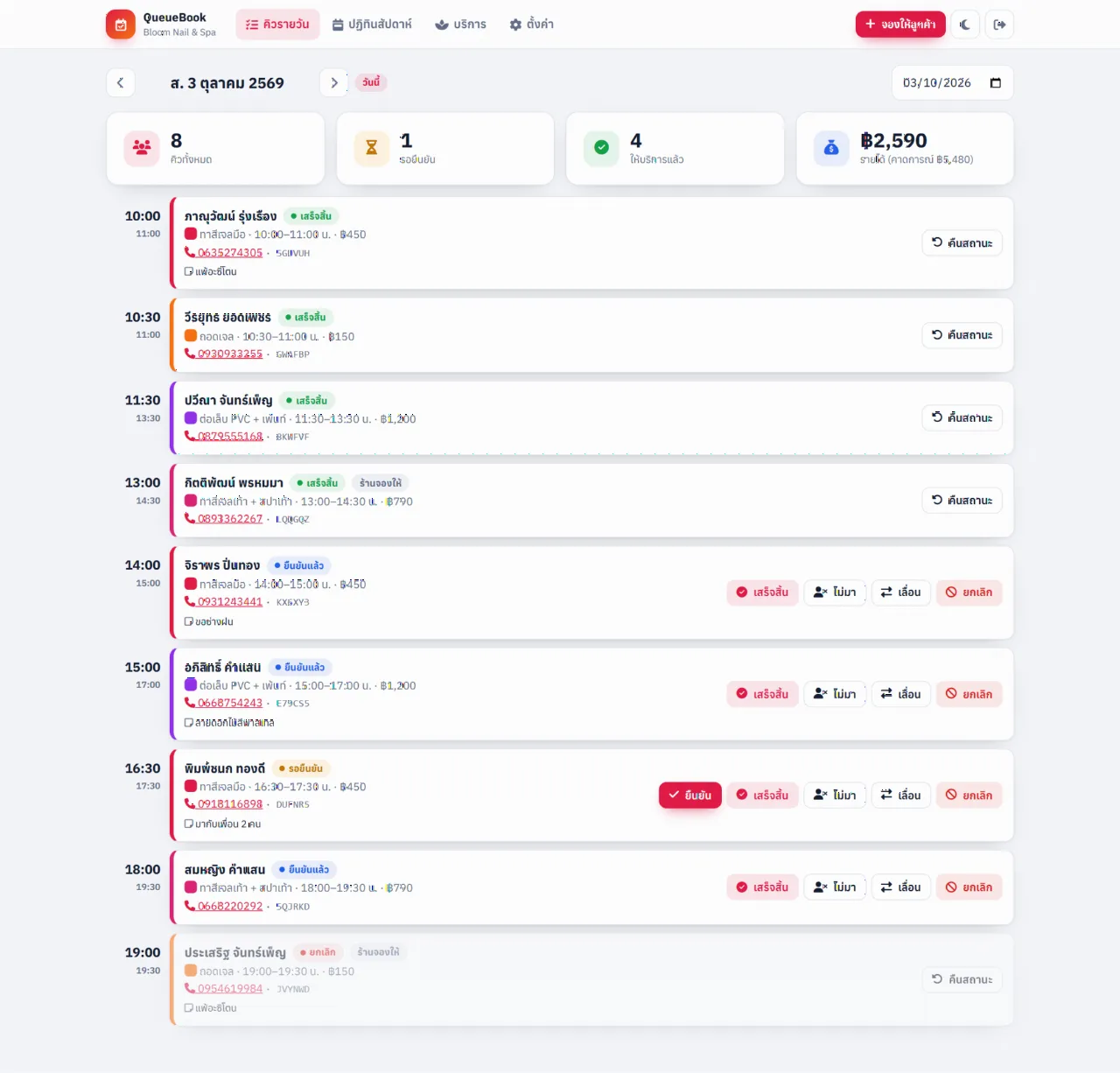
ระบบพร้อมใช้ที่เกี่ยวข้อง
ฝั่งสคริปต์ (Code.gs)
const FOLDER_ID = 'ไอดีโฟลเดอร์ใน Google Drive';

function doGet() {
  return HtmlService.createHtmlOutputFromFile('index')
    .addMetaTag('viewport', 'width=device-width, initial-scale=1');
}

function uploadFile(data) {
  const blob = Utilities.newBlob(Utilities.base64Decode(data.base64), data.type, data.name);
  const file = DriveApp.getFolderById(FOLDER_ID).createFile(blob);
  SpreadsheetApp.getActive().getSheetByName('uploads')
    .appendRow([new Date(), data.fullname, file.getName(), file.getUrl()]);
  return file.getUrl();
}
ฝั่งหน้าเว็บ (index.html)
<input id="name" placeholder="ชื่อ-นามสกุล">
<input id="file" type="file">
<button onclick="send()">อัปโหลด</button>
<script>
function send() {
  const f = document.getElementById('file').files[0];
  const reader = new FileReader();
  reader.onload = () => google.script.run
    .withSuccessHandler(url => alert('สำเร็จ: ' + url))
    .withFailureHandler(err => alert(err.message))
    .uploadFile({ base64: reader.result.split(',')[1], type: f.type, name: f.name,
                  fullname: document.getElementById('name').value });
  reader.readAsDataURL(f);
}
</script>
ข้อควรรู้
- Deploy แบบ Execute as: Me ไฟล์จะถูกเก็บในไดรฟ์ของเรา ผู้ส่งไม่ต้องมีบัญชี Google
- ขนาดข้อมูลที่ส่งผ่าน
google.script.runมีขีดจำกัด เหมาะกับไฟล์ขนาดไม่ใหญ่มาก (ไม่กี่ MB) ควรย่อรูปก่อนส่งด้วย canvas - ตรวจชนิดไฟล์และขนาดทั้งฝั่งหน้าเว็บและฝั่งสคริปต์ทุกครั้ง
คำถามที่พบบ่อย: อัปโหลดไฟล์เข้า Google Drive ด้วย Apps Script
ไม่ต้อง ถ้า Deploy เว็บแอปแบบ Execute as: Me และ Who has access: Anyone
วิธี base64 ผ่าน google.script.run เหมาะกับไฟล์ขนาดเล็ก-กลาง ไฟล์ใหญ่ควรย่อขนาดก่อน หรือแบ่งส่งเป็นส่วน ๆ
ได้ ส่งชื่อมากับข้อมูล แล้วใช้ blob.setName() หรือ file.setName() ก่อนบันทึก
ระบบอื่นที่น่าสนใจ
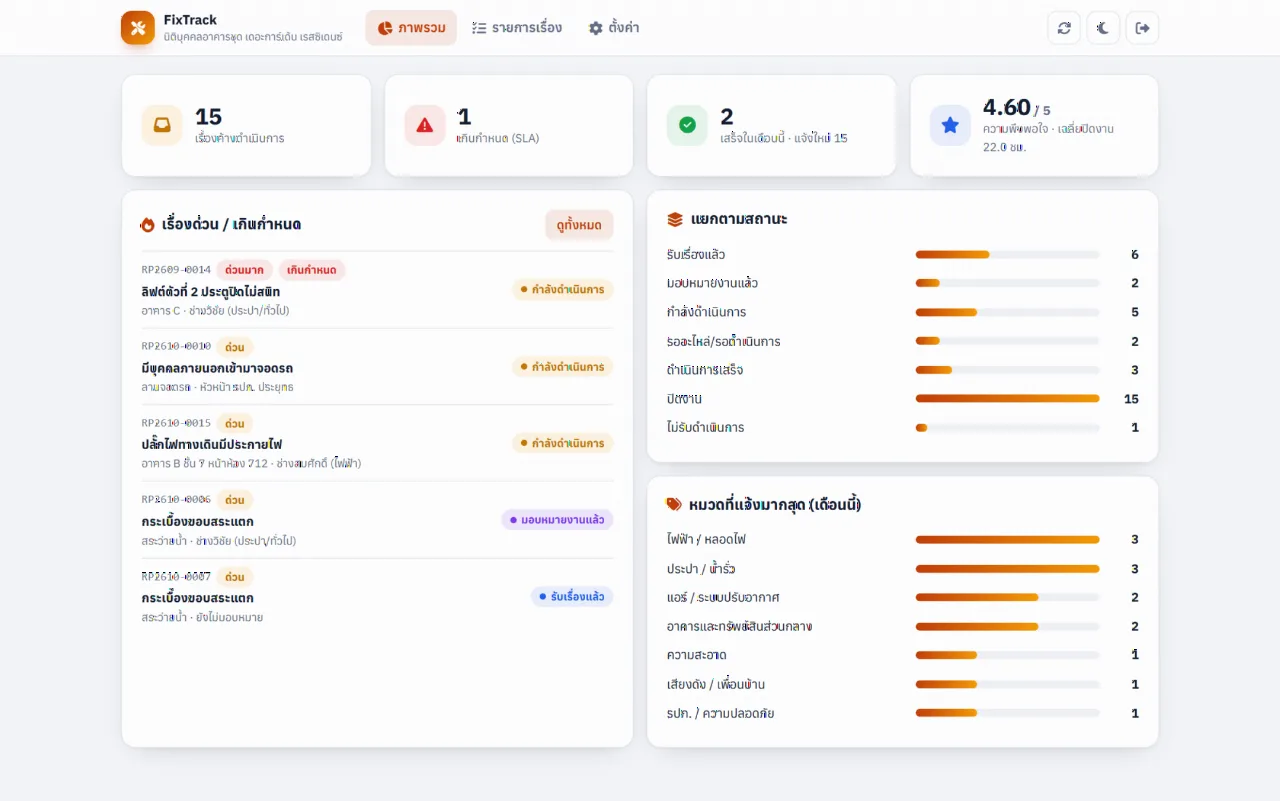
ระบบแจ้งซ่อม/ร้องเรียน + เลขติดตามงาน (Jabphap FixTrack)
ระบบแจ้งซ่อมและร้องเรียนออนไลน์บน Google Sheets แนบรูปได้ ออกเลขติดตามงานอัตโนมัติ ผู้แจ้งเช็คสถานะและให้คะแนนเองได้ พร้อมหน้าจัดการงานตาม SLA และแจ้งเตือนอีเมล/LINE
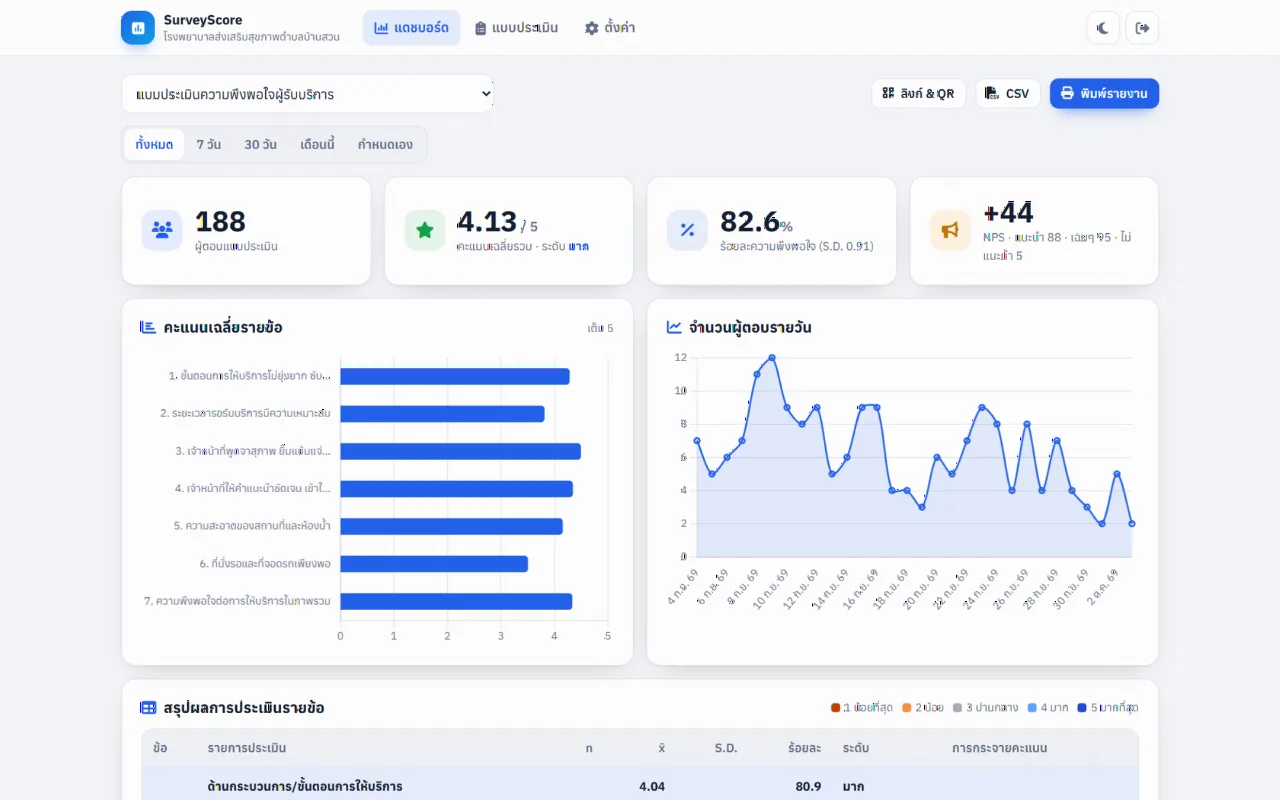
แบบประเมินความพึงพอใจ + แดชบอร์ดสรุปผล (Jabphap SurveyScore)
แบบประเมินความพึงพอใจออนไลน์บน Google Sheets สแกน QR ตอบง่ายบนมือถือ พร้อมแดชบอร์ดคำนวณค่าเฉลี่ย S.D. ร้อยละ ระดับความพึงพอใจ NPS กราฟ และพิมพ์รายงานได้ทันที